<!DOCTYPE html>
<html lang="en">
  <head>
    <meta charset="utf-8" />
    <meta name="viewport" content="width=device-width, initial-scale=1" />

    <!-- Enhanced SEO Meta Tags -->
    <title>StyleGenie - AI Outfit Planner | Ai Outfit Planner</title>
    <meta
      name="description"
      content="Get personalized outfit suggestions with StyleGenie's Ai Outfit Planner. Upload photos for smart style advice, chat with AI, and discover daily fashion inspiration. Download now!"
    />
    <meta
      name="keywords"
      content="stylegenie, StyleGenie, stylegenie fashion, Ai Outfit Planner, outfit suggestions, style inspiration, fashion app, personal stylist, outfit ideas, fashion advice, style genie, wardrobe assistant"
    />
    <meta name="author" content="StyleGenie" />
    <meta name="robots" content="index, follow" />

    <!-- Open Graph Meta Tags for Social Sharing -->
    <meta
      property="og:title"
      content="StyleGenie - Ai Outfit Planner | Smart Closet & Style Assistant"
    />
    <meta
      property="og:description"
      content="Get personalized outfit suggestions with StyleGenie's Ai Outfit Planner. Upload photos for smart style advice and discover daily fashion inspiration."
    />
    <meta
      property="og:image"
      content="https://stylegenie.pages.dev/assets/hero1.jpg"
    />
    <meta property="og:url" content="https://stylegenie.pages.dev/" />
    <meta property="og:type" content="website" />
    <meta property="og:site_name" content="StyleGenie" />

    <!-- Twitter Card Meta Tags -->
    <meta name="twitter:card" content="summary_large_image" />
    <meta name="twitter:title" content="StyleGenie - Ai Outfit Planner" />
    <meta
      name="twitter:description"
      content="Get personalized outfit suggestions with AI. Upload photos for smart style advice and discover daily fashion inspiration."
    />
    <meta
      name="twitter:image"
      content="https://stylegenie.pages.dev/assets/hero1.jpg"
    />

    <!-- Canonical URL -->
    <link rel="canonical" href="https://stylegenie.pages.dev/" />

    <!-- Google Font: Playfair Display -->
    <!-- Preconnect for faster font loading -->
    <link rel="preconnect" href="https://fonts.googleapis.com" crossorigin />
    <link rel="preconnect" href="https://fonts.gstatic.com" crossorigin />
    <link
      href="https://fonts.googleapis.com/css2?family=Playfair+Display:wght@400;600;700&display=swap"
      rel="stylesheet"
    />

    <!-- Apple Touch Icon (iOS Home Screen) -->
    <link rel="apple-touch-icon" sizes="180x180" href="/apple-touch-icon.png" />
    <!-- Modern favicons -->
    <link rel="icon" type="image/png" sizes="96x96" href="/favicon-96x96.png" />
    <!-- Fallback .ico for old browsers -->
    <link rel="icon" href="/favicon.ico" type="image/x-icon" />

    <!-- Structured Data (JSON-LD) -->
    <script type="application/ld+json">
      {
        "@context": "https://schema.org",
        "@type": "SoftwareApplication",
        "name": "StyleGenie",
        "applicationCategory": "LifestyleApplication",
        "operatingSystem": "iOS",
        "description": "AI-powered fashion assistant that provides personalized outfit suggestions, style advice, and daily fashion inspiration through smart photo analysis and chat features.",
        "url": "https://stylegenie.pages.dev/",
        "downloadUrl": "https://apps.apple.com/app/id6749277994",
        "author": {
          "@type": "Organization",
          "name": "StyleGenie"
        },
        "offers": {
          "@type": "Offer",
          "price": "0",
          "priceCurrency": "USD"
        },
        "aggregateRating": {
          "@type": "AggregateRating",
          "ratingValue": "4.8",
          "ratingCount": "150"
        },
        "featureList": [
          "AI-powered outfit suggestions",
          "Smart photo analysis",
          "Fashion chat assistant",
          "Daily style inspiration",
          "Personalized wardrobe recommendations"
        ]
      }
    </script>

    <script src="https://cdn.tailwindcss.com"></script>

    <link rel="preload" as="image" href="assets/logo.png" />
    <link rel="preload" as="image" href="assets/hero1.jpg" />
    <style>
      /* Apply Playfair Display to brand + main headings */
      h1,
      h2,
      h3,
      .brand {
        font-family: "Playfair Display", serif;
      }
      /* Floating genie animation */
      @keyframes float {
        0% {
          transform: translateY(0);
        }
        50% {
          transform: translateY(-15px);
        }
        100% {
          transform: translateY(0);
        }
      }

      @keyframes heroFloat {
        0%,
        100% {
          transform: scale(1) translateY(0);
        }
        50% {
          transform: scale(1.02) translateY(-5px);
        }
      }

      .hero-img {
        animation: heroFloat 6s ease-in-out infinite;
      }
      .hero-img::after {
        content: "";
        position: absolute;
        inset: 0;
        pointer-events: none;
        background: radial-gradient(
          circle at center,
          transparent 70%,
          rgba(0, 0, 0, 0.1) 100%
        );
        border-radius: inherit;
      }
      .float-animation {
        animation: float 3s ease-in-out infinite;
      }

      /* Custom brand colors (utility classes) */
      .bg-primary {
        background-color: #e2466d;
      }
      .text-primary {
        color: #e2466d;
      }
      .bg-background {
        background-color: #fff8f9;
      }
      .text-darkgrey {
        color: #808080;
      }
      .bg-lightpink {
        background-color: rgba(245, 189, 203, 0.6);
      }
    </style>
  </head>
  <body class="bg-background text-darkgrey">
    <!-- Nav -->
    <nav
      class="container mx-auto px-4 py-6 flex items-center justify-between relative"
      role="navigation"
      aria-label="Main navigation"
    >
      <!-- Logo -->
      <div class="flex items-center gap-2">
        <img
          src="assets/logo.png"
          alt="StyleGenie Ai Outfit Planner Logo"
          class="w-10 h-10 float-animation"
          width="40"
          height="40"
        />
        <a
          href="/"
          class="brand font-bold text-xl text-primary"
          aria-label="StyleGenie Homepage"
          >StyleGenie</a
        >
      </div>

      <!-- Desktop links -->
      <div class="hidden md:flex items-center gap-4">
        <a href="contact.html" class="text-sm hover:text-primary">Contact</a>
        <a href="terms.html" class="text-sm hover:text-primary">Terms</a>
        <a href="privacy.html" class="text-sm hover:text-primary">Privacy</a>
        <a
          href="https://apps.apple.com/app/id6749277994"
          target="_blank"
          rel="noopener"
          class="px-4 py-2 bg-primary text-white rounded-lg text-sm hover:opacity-90"
          aria-label="Download StyleGenie app from App Store"
          >Download App</a
        >
      </div>

      <!-- Mobile menu button (Hamburger icon) -->
      <button
        id="menu-btn"
        class="md:hidden focus:outline-none"
        aria-label="Toggle mobile menu"
      >
        <!-- Hamburger icon (SVG) -->
        <svg
          xmlns="http://www.w3.org/2000/svg"
          class="h-7 w-7 text-primary"
          fill="none"
          viewBox="0 0 24 24"
          stroke="currentColor"
          stroke-width="2"
          aria-hidden="true"
        >
          <path
            stroke-linecap="round"
            stroke-linejoin="round"
            d="M4 6h16M4 12h16M4 18h16"
          />
        </svg>
      </button>

      <!-- Mobile dropdown -->
      <div
        id="mobile-menu"
        class="hidden absolute top-full right-2 mt-2 w-48 bg-white shadow-lg rounded-lg border border-gray-200 flex flex-col items-start p-4 z-50"
        role="menu"
      >
        <a
          href="contact.html"
          class="text-sm py-2 w-full hover:text-primary"
          role="menuitem"
          >Contact</a
        >
        <a
          href="terms.html"
          class="text-sm py-2 w-full hover:text-primary"
          role="menuitem"
          >Terms</a
        >
        <a
          href="privacy.html"
          class="text-sm py-2 w-full hover:text-primary"
          role="menuitem"
          >Privacy</a
        >
        <a
          href="https://apps.apple.com/app/id6749277994"
          target="_blank"
          rel="noopener"
          class="mt-2 w-full px-4 py-2 bg-primary text-white rounded-lg text-sm hover:opacity-90 text-center"
          role="menuitem"
          aria-label="Download StyleGenie app from App Store"
        >
          Download App
        </a>
      </div>
    </nav>

    <script>
      const menuBtn = document.getElementById("menu-btn");
      const mobileMenu = document.getElementById("mobile-menu");

      let menuOpen = false;

      menuBtn.addEventListener("click", () => {
        menuOpen = !menuOpen;

        // Toggle mobile menu
        mobileMenu.classList.toggle("hidden");

        // Change hamburger to X
        menuBtn.innerHTML = menuOpen
          ? `<svg xmlns="http://www.w3.org/2000/svg" class="h-7 w-7 text-primary" fill="none" viewBox="0 0 24 24" stroke="currentColor" stroke-width="2" aria-hidden="true">
          <path stroke-linecap="round" stroke-linejoin="round" d="M6 18L18 6M6 6l12 12"/>
        </svg>`
          : `<svg xmlns="http://www.w3.org/2000/svg" class="h-7 w-7 text-primary" fill="none" viewBox="0 0 24 24" stroke="currentColor" stroke-width="2" aria-hidden="true">
          <path stroke-linecap="round" stroke-linejoin="round" d="M4 6h16M4 12h16M4 18h16"/>
        </svg>`;
      });
    </script>

    <!-- Hero -->
    <header class="container mx-auto px-4 py-12 md:py-20">
      <div class="grid grid-cols-1 md:grid-cols-2 gap-10 items-center">
        <!-- Left side text -->
        <div>
          <h1
            class="text-4xl md:text-6xl font-extrabold text-primary leading-tight"
          >
            Your AI-Powered Fashion Sidekick
          </h1>
          <p
            class="mt-5 text-lg md:text-xl leading-relaxed text-gray-700 max-w-lg"
          >
            Upload your outfit photos, get smart personalized styling
            suggestions, and discover fresh daily fashion inspiration — all
            powered by advanced AI technology designed specifically for your
            unique style.
          </p>
          <div class="mt-8 flex gap-4">
            <a
              href="#features"
              class="px-6 py-3 bg-primary text-white rounded-lg shadow hover:opacity-90"
              aria-label="Learn about StyleGenie features"
              >Discover Features</a
            >
            <a
              href="https://apps.apple.com/app/id6749277994"
              target="_blank"
              rel="noopener"
              class="px-6 py-3 border border-lightpink rounded-lg hover:bg-lightpink"
              aria-label="Download StyleGenie from App Store"
              >Download Free</a
            >
          </div>
        </div>

        <!-- Right side rotating images -->
        <div
          class="relative w-full max-w-md h-96 mx-auto overflow-hidden rounded-xl shadow-2xl ring-1 ring-pink-200/30"
          role="img"
          aria-label="StyleGenie app screenshots showing outfit suggestions and fashion inspiration"
        >
          <!-- Gradient overlay -->
          <div
            class="absolute inset-0 bg-gradient-to-t from-black/20 via-transparent to-black/10 pointer-events-none"
          ></div>

          <!-- Slideshow images -->
          <img
            src="assets/hero1.jpg"
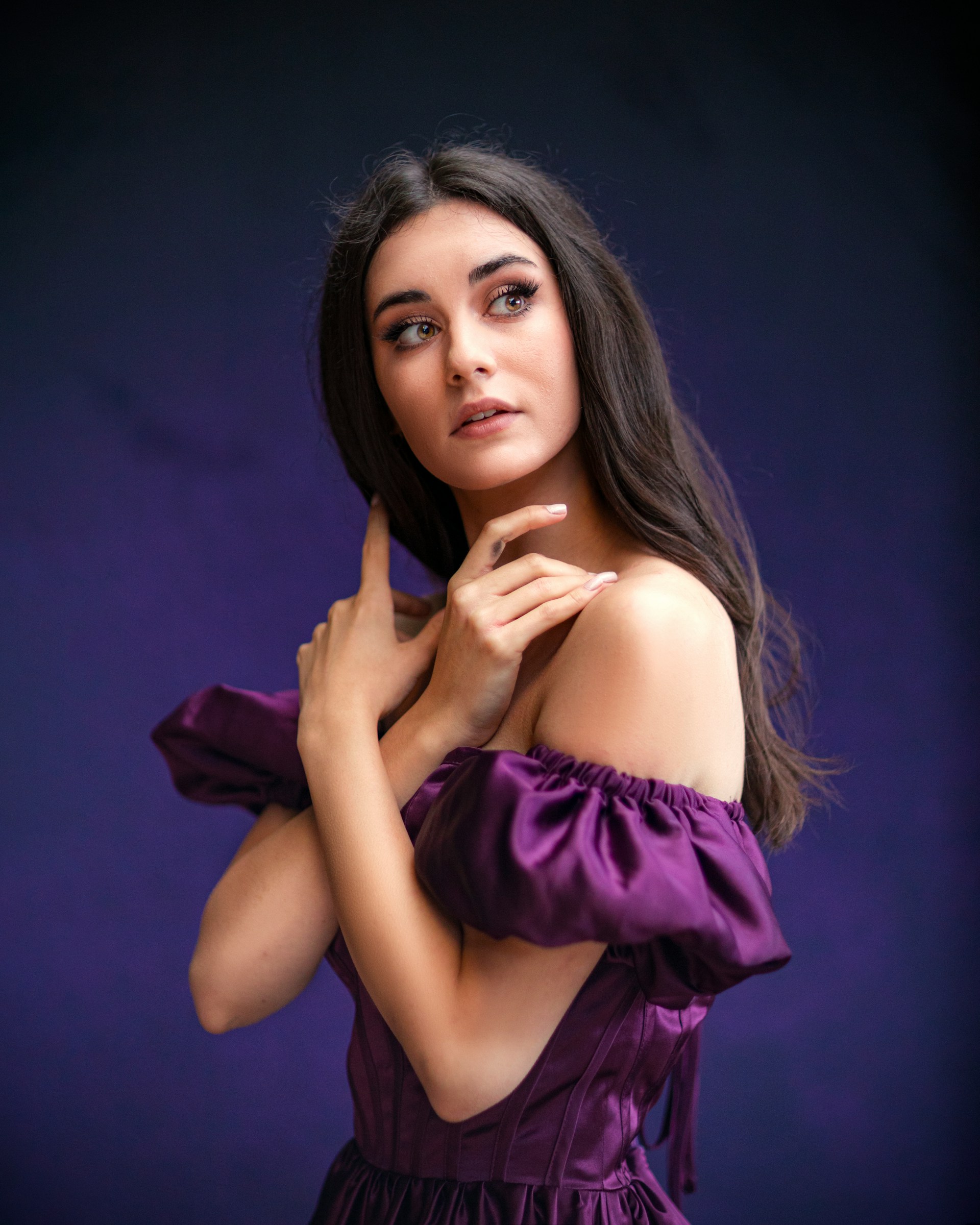
            alt="StyleGenie AI outfit suggestion interface"
            class="absolute inset-0 w-full h-full object-cover opacity-100 transition-opacity duration-1000 slideshow hero-img"
            width="384"
            height="384"
            loading="eager"
          />
          <img
            src="assets/hero2.jpg"
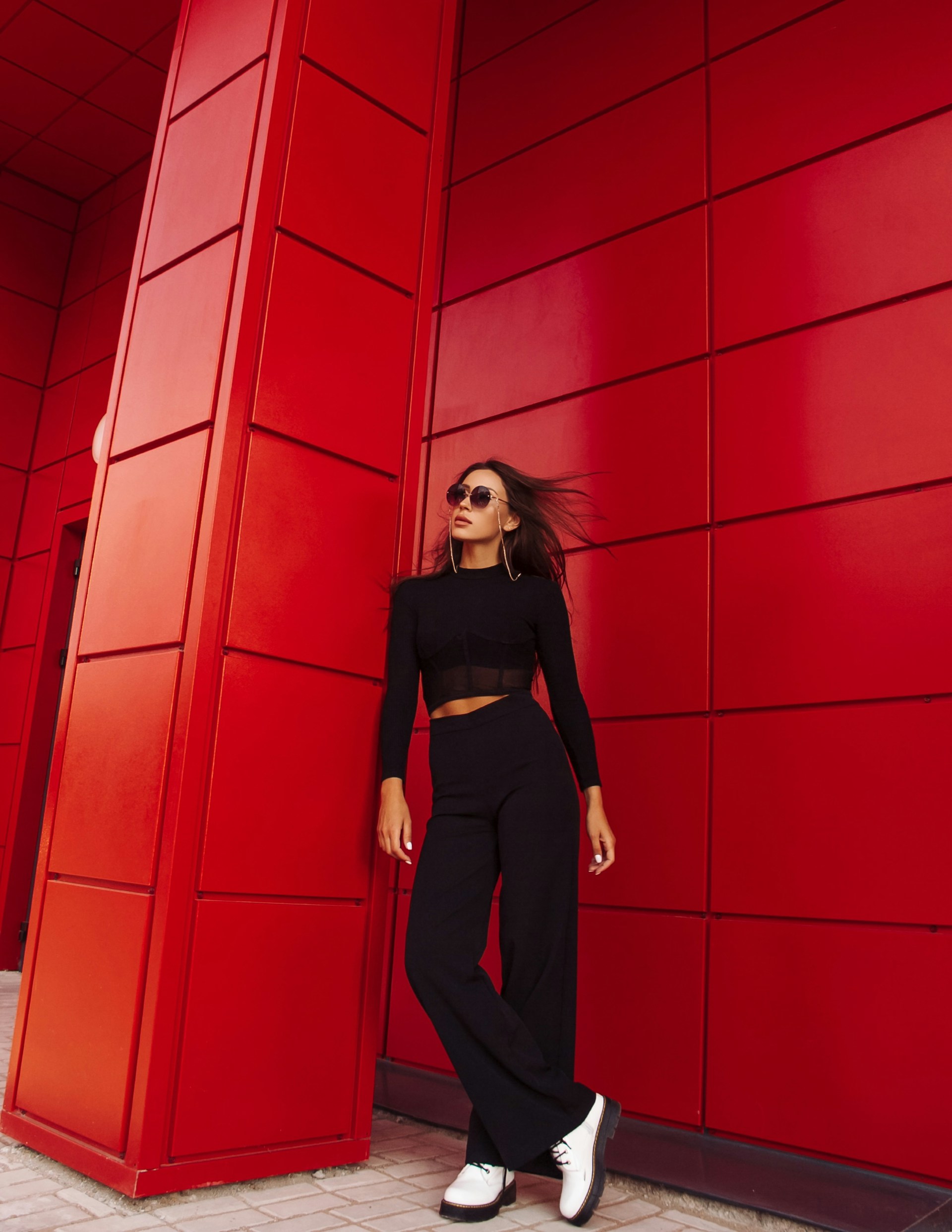
            alt="Fashion inspiration gallery in StyleGenie app"
            class="absolute inset-0 w-full h-full object-cover opacity-0 transition-opacity duration-1000 slideshow hero-img"
            width="384"
            height="384"
            loading="lazy"
          />
          <img
            src="assets/hero3.jpg"
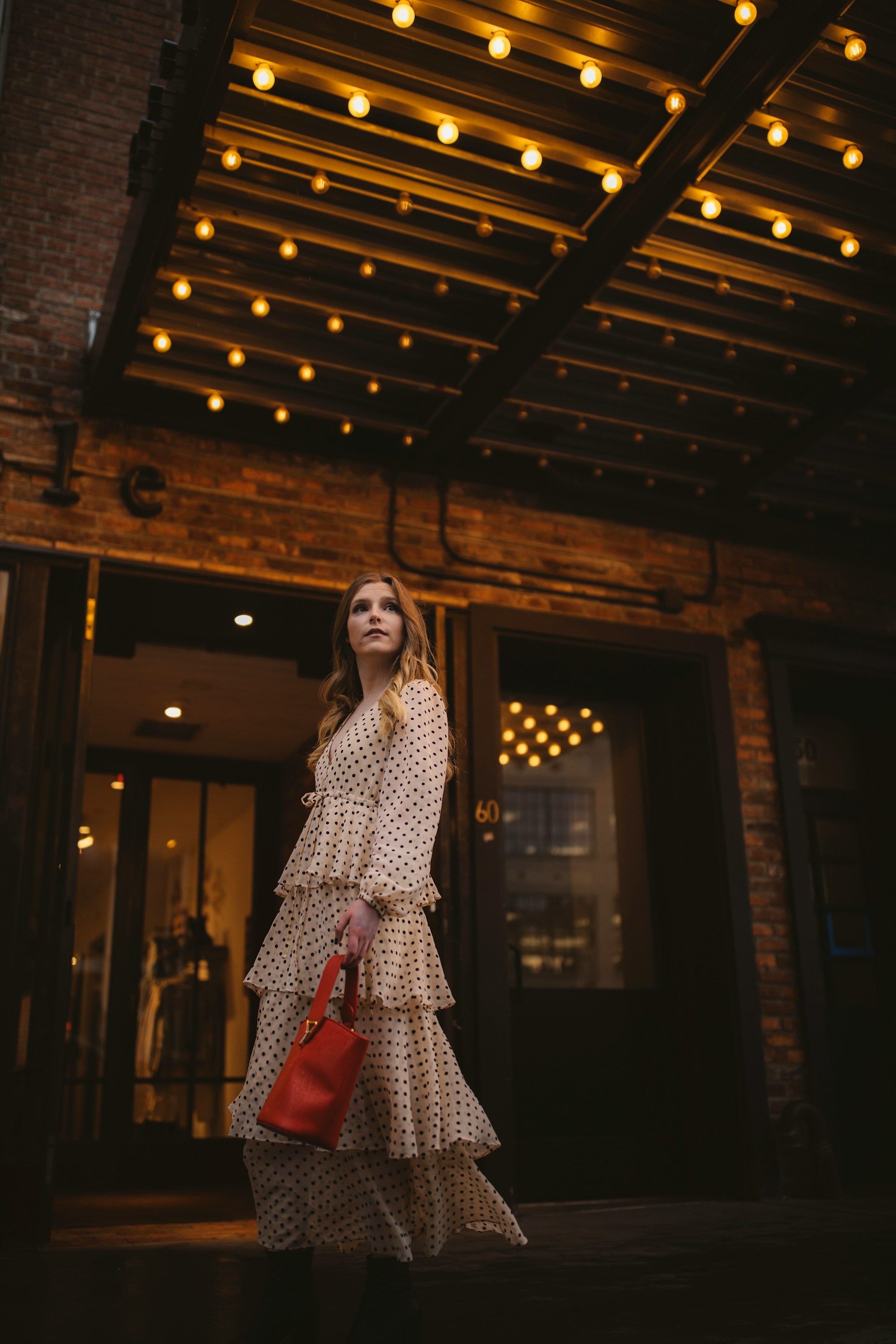
            alt="AI fashion chat feature in StyleGenie"
            class="absolute inset-0 w-full h-full object-cover opacity-0 transition-opacity duration-1000 slideshow hero-img"
            width="384"
            height="384"
            loading="lazy"
          />
          <img
            src="assets/hero4.jpg"
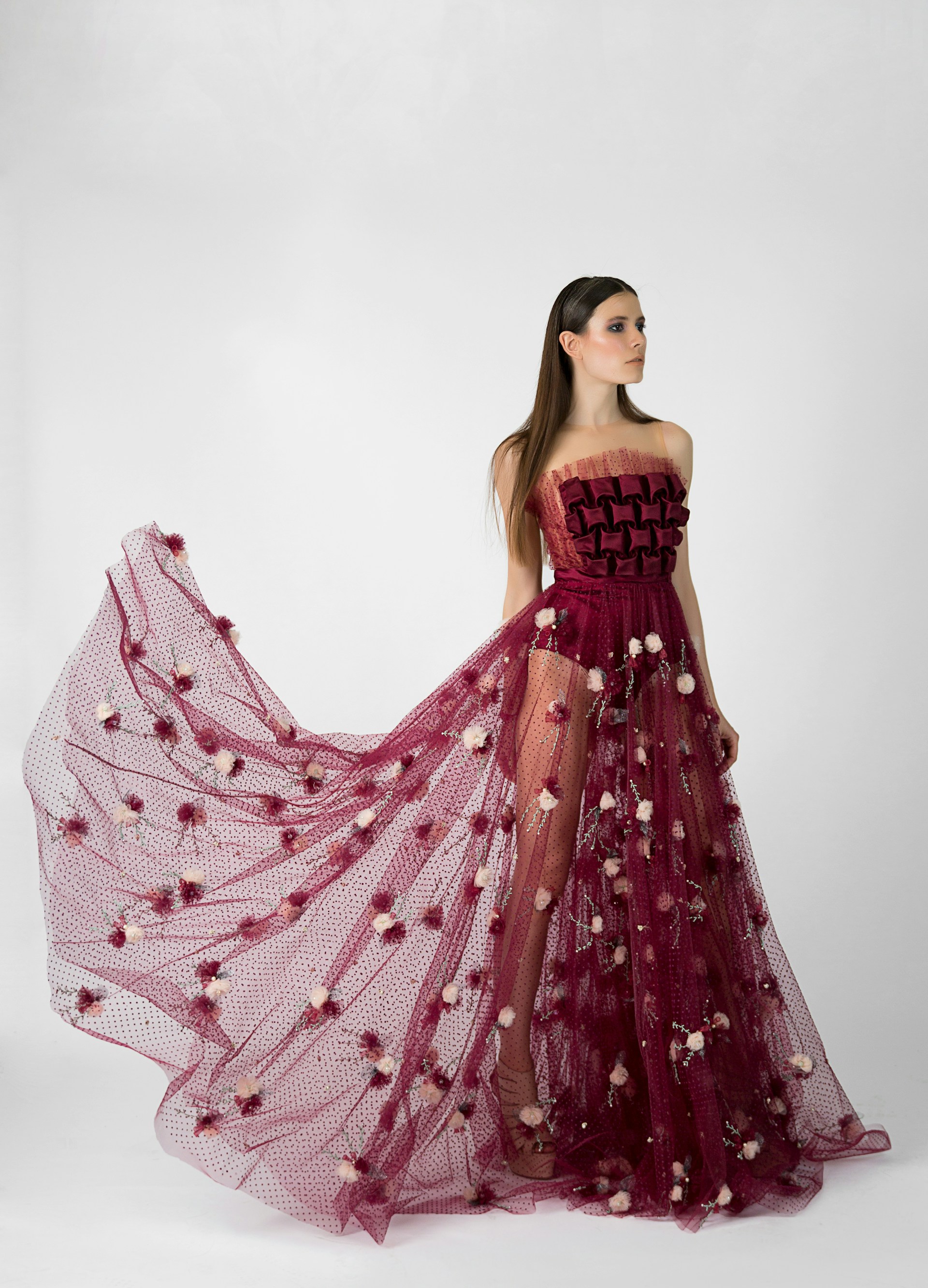
            alt="Personalized wardrobe recommendations"
            class="absolute inset-0 w-full h-full object-cover opacity-0 transition-opacity duration-1000 slideshow hero-img"
            width="384"
            height="384"
            loading="lazy"
          />
        </div>
      </div>
    </header>

    <script>
      // Simple slideshow
      const slides = document.querySelectorAll(".slideshow");
      let index = 0;
      setInterval(() => {
        slides[index].style.opacity = 0;
        index = (index + 1) % slides.length;
        slides[index].style.opacity = 1;
      }, 2500);
    </script>

    <!-- Features -->
    <section id="features" class="bg-[#FFF8F9] py-16 px-6">
      <div class="max-w-6xl mx-auto text-center">
        <h2 class="text-3xl font-bold text-primary">
          AI-Powered Fashion Features
        </h2>
        <p class="mt-2 text-darkgrey max-w-xl mx-auto">
          Discover how StyleGenie's artificial intelligence makes fashion
          effortless and fun with personalized styling solutions.
        </p>

        <div class="mt-12 grid gap-8 sm:grid-cols-2 lg:grid-cols-3">
          <!-- Feature Card -->
          <article
            class="group bg-white rounded-2xl p-8 shadow-md hover:shadow-xl transition-all duration-300"
          >
            <div class="flex justify-center">
              <img
                src="assets/outfit-icon.png"
                alt=""
                class="w-16 h-16 mb-4 transition-transform duration-300 group-hover:scale-110"
                width="64"
                height="64"
                loading="lazy"
              />
            </div>
            <h3 class="text-xl font-semibold text-primary">
              Smart Outfit Suggestions
            </h3>
            <p class="mt-3 text-darkgrey text-sm">
              Upload photos of your clothes and receive AI-powered outfit
              recommendations tailored to your personal style, body type, and
              occasion preferences.
            </p>
          </article>

          <!-- Feature Card -->
          <article
            class="group bg-white rounded-2xl p-8 shadow-md hover:shadow-xl transition-all duration-300"
          >
            <div class="flex justify-center">
              <img
                src="assets/chat-icon.png"
                alt=""
                class="w-16 h-16 mb-4 transition-transform duration-300 group-hover:scale-110"
                width="64"
                height="64"
                loading="lazy"
              />
            </div>
            <h3 class="text-xl font-semibold text-primary">AI Fashion Chat</h3>
            <p class="mt-3 text-darkgrey text-sm">
              Ask any style question and get instant, personalized fashion
              advice from our intelligent chat assistant trained on the latest
              fashion trends.
            </p>
          </article>

          <!-- Feature Card -->
          <article
            class="group bg-white rounded-2xl p-8 shadow-md hover:shadow-xl transition-all duration-300"
          >
            <div class="flex justify-center">
              <img
                src="assets/inspiration-icon.png"
                alt=""
                class="w-16 h-16 mb-4 transition-transform duration-300 group-hover:scale-110"
                width="64"
                height="64"
                loading="lazy"
              />
            </div>
            <h3 class="text-xl font-semibold text-primary">
              Daily Style Inspiration
            </h3>
            <p class="mt-3 text-darkgrey text-sm">
              Browse curated outfit galleries and fashion inspiration tailored
              to every mood, season, and occasion to keep your style fresh and
              exciting.
            </p>
          </article>
        </div>
      </div>
    </section>

    <!-- Benefits Section (New for SEO) -->
    <section class="container mx-auto px-4 py-16">
      <div class="text-center mb-12">
        <h2 class="text-3xl font-bold text-primary mb-4">
          Why Choose StyleGenie?
        </h2>
        <p class="text-darkgrey max-w-2xl mx-auto">
          Join thousands of fashion enthusiasts who trust StyleGenie for their
          daily styling needs. Our AI technology learns your preferences to
          deliver increasingly personalized recommendations.
        </p>
      </div>

      <div class="grid md:grid-cols-2 gap-12 items-center">
        <div>
          <h3 class="text-2xl font-semibold text-primary mb-6">
            Transform Your Wardrobe Experience
          </h3>
          <ul class="space-y-4 text-darkgrey">
            <li class="flex items-start gap-3">
              <span class="text-primary text-xl">✓</span>
              <div>
                <strong>Save Time:</strong> Get instant outfit recommendations
                instead of spending hours deciding what to wear
              </div>
            </li>
            <li class="flex items-start gap-3">
              <span class="text-primary text-xl">✓</span>
              <div>
                <strong>Boost Confidence:</strong> Always look your best with
                AI-curated styles that complement your unique features
              </div>
            </li>
            <li class="flex items-start gap-3">
              <span class="text-primary text-xl">✓</span>
              <div>
                <strong>Discover New Styles:</strong> Explore fashion
                possibilities you never considered before
              </div>
            </li>
            <li class="flex items-start gap-3">
              <span class="text-primary text-xl">✓</span>
              <div>
                <strong>Budget-Friendly:</strong> Make the most of your existing
                wardrobe with smart combinations
              </div>
            </li>
          </ul>
        </div>

        <div class="text-center">
          <div class="bg-lightpink/40 rounded-2xl p-8">
            <h4 class="text-xl font-semibold text-primary mb-4">
              Join the StyleGenie Community
            </h4>

            <div class="grid grid-cols-2 gap-4 mb-6">
              <div class="text-center">
                <div
                  class="text-2xl font-bold text-primary counter"
                  data-target="50000"
                >
                  0
                </div>
                <div class="text-sm text-darkgrey">Happy Users</div>
              </div>
              <div class="text-center">
                <div
                  class="text-2xl font-bold text-primary counter"
                  data-target="1000000"
                >
                  0
                </div>
                <div class="text-sm text-darkgrey">Outfits Created</div>
              </div>
            </div>

            <script>
              function animateCounter(el, target) {
                let start = 0;
                const duration = 2000; // animation duration in ms
                const startTime = performance.now();

                function update(currentTime) {
                  const elapsed = currentTime - startTime;
                  const progress = Math.min(elapsed / duration, 1); // 0 → 1
                  const value = Math.floor(progress * target);

                  el.textContent = value.toLocaleString();

                  if (progress < 1) {
                    requestAnimationFrame(update);
                  } else {
                    el.textContent =
                      target.toLocaleString() + (target >= 1000 ? "+" : "");
                  }
                }

                requestAnimationFrame(update);
              }

              // Intersection Observer to trigger only when visible
              const counters = document.querySelectorAll(".counter");
              const options = { threshold: 0.6 };

              const observer = new IntersectionObserver((entries, observer) => {
                entries.forEach((entry) => {
                  if (entry.isIntersecting) {
                    const el = entry.target;
                    const target = +el.getAttribute("data-target");
                    animateCounter(el, target);
                    observer.unobserve(el); // run only once
                  }
                });
              }, options);

              counters.forEach((counter) => {
                observer.observe(counter);
              });
            </script>

            <a
              href="https://apps.apple.com/app/id6749277994"
              target="_blank"
              rel="noopener"
              class="px-6 py-3 bg-primary text-white rounded-lg font-semibold hover:opacity-90 transition"
              aria-label="Download StyleGenie app free from App Store"
            >
              Start Styling Today
            </a>
          </div>
        </div>
      </div>
    </section>

    <!-- CTA -->
    <section id="download" class="container mx-auto px-4 py-16">
      <div
        class="bg-lightpink/60 p-10 rounded-2xl flex flex-col md:flex-row items-center justify-between gap-6 shadow-lg"
      >
        <!-- Text -->
        <div class="text-center md:text-left">
          <h3 class="text-2xl md:text-3xl font-bold text-primary">
            Ready to Revolutionize Your Style?
          </h3>
          <p class="text-darkgrey mt-2 text-lg">
            Download StyleGenie today and unlock your personal AI fashion
            assistant. It's free to start!
          </p>
        </div>

        <!-- Button -->
        <div class="flex justify-center md:justify-end">
          <a
            href="https://apps.apple.com/app/id6749277994"
            target="_blank"
            rel="noopener"
            class="px-6 py-3 bg-primary text-white text-lg font-semibold rounded-xl shadow-md hover:scale-105 hover:shadow-lg transition transform duration-300"
            aria-label="Download StyleGenie free from App Store"
          >
             Download Free on App Store
          </a>
        </div>
      </div>
    </section>

    <!-- Footer -->
    <footer class="bg-lightpink mt-16" role="contentinfo">
      <div class="container mx-auto px-6 py-10">
        <div
          class="flex flex-col md:flex-row md:justify-between md:items-center gap-8"
        >
          <!-- Branding -->
          <div>
            <h3 class="text-2xl font-bold text-primary">StyleGenie</h3>
            <p class="text-darkgrey mt-2 text-sm">
              Your AI Personal Assistant for effortless style and fashion
              inspiration.
            </p>
          </div>

          <!-- Links -->
          <div class="flex flex-col md:flex-row gap-4 text-sm">
            <a href="contact.html" class="hover:text-primary transition"
              >Contact Us</a
            >
            <a href="terms.html" class="hover:text-primary transition"
              >Terms & Conditions</a
            >
            <a href="privacy.html" class="hover:text-primary transition"
              >Privacy Policy</a
            >
          </div>
        </div>

        <!-- Social Links - Circle Badge Style -->
        <div class="flex justify-center md:justify-end gap-4 mt-6">
          <!-- TikTok -->
          <a
            href="https://www.tiktok.com/@stylegenie_ai"
            target="_blank"
            rel="noopener"
            aria-label="TikTok"
            class="w-10 h-10 flex items-center justify-center rounded-full bg-primary text-white hover:bg-pink-600 transition"
          >
            <svg
              class="w-5 h-5"
              xmlns="http://www.w3.org/2000/svg"
              viewBox="0 0 24 24"
              fill="currentColor"
            >
              <path
                d="M12 2h3a6 6 0 0 0 6 6v3a9 9 0 0 1-6-2.4V15a7 7 0 1 1-7-7h1v3a4 4 0 1 0 3 3V2z"
              />
            </svg>
          </a>

          <!-- X (Twitter) -->
          <a
            href="https://x.com/stylegenie_ai"
            target="_blank"
            rel="noopener"
            aria-label="X"
            class="w-10 h-10 flex items-center justify-center rounded-full bg-primary text-white hover:bg-pink-600 transition"
          >
            <svg
              class="w-5 h-5"
              xmlns="http://www.w3.org/2000/svg"
              viewBox="0 0 24 24"
              fill="currentColor"
            >
              <path
                d="M18 2h3l-7.5 9L22 22h-7l-4.5-6L6 22H3l7.5-9L2 2h7l4 5.5L18 2z"
              />
            </svg>
          </a>

          <!-- Reddit -->
          <a
            href="https://www.reddit.com/u/StyleGenieAi"
            target="_blank"
            rel="noopener"
            aria-label="Reddit"
            class="w-10 h-10 flex items-center justify-center rounded-full bg-primary text-white hover:bg-pink-600 transition"
          >
            <svg
              class="w-5 h-5"
              xmlns="http://www.w3.org/2000/svg"
              viewBox="0 0 24 24"
              fill="currentColor"
            >
              <path
                d="M24 12c0-1.1-.9-2-2-2-.6 0-1.2.3-1.6.7-1.2-.8-2.8-1.3-4.5-1.4l.9-4.2 3 .6c0 .8.7 1.5 1.5 1.5S23 7.7 23 6.9s-.7-1.5-1.5-1.5c-.6 0-1.1.3-1.3.8l-3.5-.8a.8.8 0 0 0-.9.6l-1.1 5c-1.6.1-3.1.6-4.3 1.3a2 2 0 0 0-1.6-.8c-1.1 0-2 .9-2 2 0 .8.5 1.5 1.2 1.8V16c0 2.3 2.9 4.1 6.5 4.1s6.5-1.8 6.5-4.1v-1.2c.7-.3 1.2-1 1.2-1.8z"
              />
            </svg>
          </a>

          <!-- Instagram -->
          <a
            href="https://www.instagram.com/stylegenie_ai"
            target="_blank"
            rel="noopener"
            aria-label="Instagram"
            class="w-10 h-10 flex items-center justify-center rounded-full bg-primary text-white hover:bg-pink-600 transition"
          >
            <svg
              class="w-5 h-5"
              xmlns="http://www.w3.org/2000/svg"
              viewBox="0 0 24 24"
              fill="currentColor"
            >
              <path
                d="M7 2C4.2 2 2 4.2 2 7v10c0 2.8 2.2 5 5 5h10c2.8 0 5-2.2 5-5V7c0-2.8-2.2-5-5-5H7zm10 2c1.7 0 3 1.3 3 3v10c0 1.7-1.3 3-3 3H7c-1.7 0-3-1.3-3-3V7c0-1.7 1.3-3 3-3h10zm-5 3a5 5 0 1 0 0 10 5 5 0 0 0 0-10zm0 2a3 3 0 1 1 0 6 3 3 0 0 1 0-6zm4.8-2.9a1.1 1.1 0 1 0 0 2.2 1.1 1.1 0 0 0 0-2.2z"
              />
            </svg>
          </a>

          <!-- Facebook -->
          <a
            href="https://www.facebook.com/share/1CK6ED4A6J/?mibextid=wwXIfr"
            target="_blank"
            rel="noopener"
            aria-label="Facebook"
            class="w-10 h-10 flex items-center justify-center rounded-full bg-primary text-white hover:bg-pink-600 transition"
          >
            <svg
              class="w-5 h-5"
              xmlns="http://www.w3.org/2000/svg"
              viewBox="0 0 24 24"
              fill="currentColor"
            >
              <path
                d="M22 12a10 10 0 1 0-11.6 9.9v-7h-2v-3h2v-2.3c0-2 1.2-3.1 3-3.1.9 0 1.8.1 1.8.1v2h-1c-1 0-1.3.6-1.3 1.2V12h2.6l-.4 3h-2.2v7A10 10 0 0 0 22 12z"
              />
            </svg>
          </a>
        </div>

        <!-- Bottom Bar -->
        <div
          class="border-t border-gray-200 mt-8 pt-6 text-center text-xs text-darkgrey"
        >
          © 2025 <span class="text-primary font-medium">StyleGenie</span> — All
          rights reserved. | Ai Outfit Planner | Smart Closet | Style Assistant
        </div>
      </div>
    </footer>

    <!-- Scroll to Top Button -->
    <button
      id="scrollTopBtn"
      class="hidden fixed bottom-6 right-6 bg-primary text-white p-4 rounded-full shadow-lg hover:bg-primary hover:scale-110 transition transform duration-300 z-50"
      aria-label="Scroll to top of page"
    >
      <!-- Up arrow icon -->
      <svg
        xmlns="http://www.w3.org/2000/svg"
        class="h-6 w-6"
        fill="none"
        viewBox="0 0 24 24"
        stroke="currentColor"
        stroke-width="2"
        aria-hidden="true"
      >
        <path
          stroke-linecap="round"
          stroke-linejoin="round"
          d="M5 15l7-7 7 7"
        />
      </svg>
    </button>

    <script>
      const scrollBtn = document.getElementById("scrollTopBtn");

      // Show button when user scrolls down
      window.addEventListener("scroll", () => {
        if (window.scrollY > 200) {
          scrollBtn.classList.remove("hidden");
        } else {
          scrollBtn.classList.add("hidden");
        }
      });

      // Smooth scroll to top
      scrollBtn.addEventListener("click", () => {
        window.scrollTo({ top: 0, behavior: "smooth" });
      });
    </script>
  </body>
</html>